iOS 27.2 arrived on October 26 with more than 150 security fixes and new Siri AI languages. iOS 27.2.1, released November 9, adds bug and security fixes. Here is how to update.
Apple has already shipped two updates this autumn that most iPhone owners should install. iOS 27.2 was released on October 26 after a release candidate on October 19. A smaller iOS 27.2.1 followed on November 9.
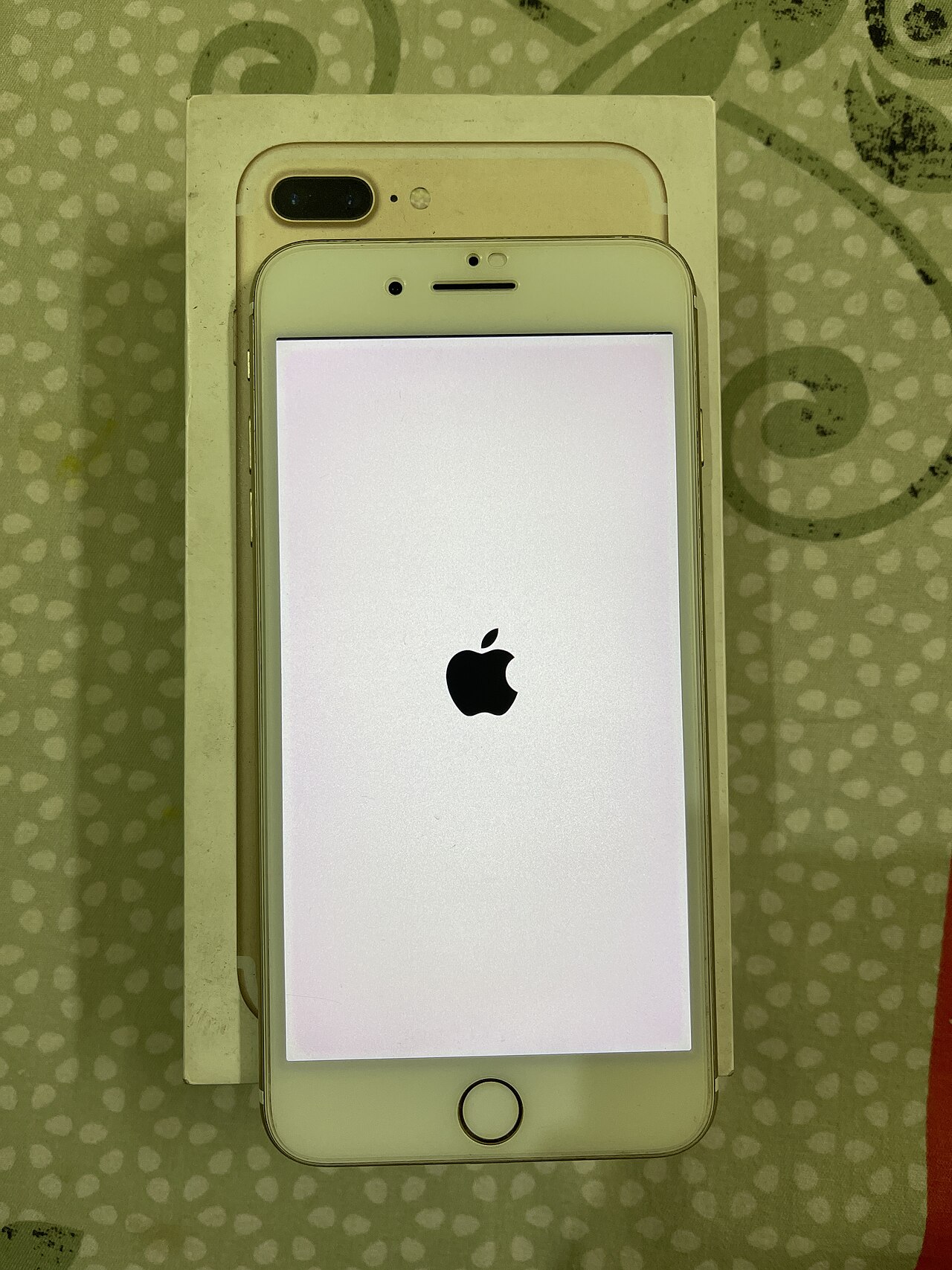
What each update does
| Update | Released | Highlights |
|---|---|---|
| iOS 27.2 | October 26, 2026 | More than 150 security fixes; Siri AI in French, Japanese, Korean, Portuguese and Spanish; Siri can recall past conversations; AI suggestions in Messages for quick actions in Calendar and Reminders; new Apple TV and Music profiles; SynthID watermark support for spotting AI-generated images |
| iOS 27.2.1 | November 9, 2026 | Bug fixes and security fixes only, according to Apple's release notes |
| iOS 27.3 (beta) | Expected December | Reported to include a redesigned Health app; Apple has not announced a date |
How to update
- Back up your phone with iCloud or a computer.
- Open Settings > General > Software Update.
- Tap Update Now and keep the phone plugged in on Wi-Fi.
Why it matters: Security patches protect against attacks that target known flaws. If your phone is on an older version, you may be exposed. For the new foldable, see our iPhone Duo report.
Also on EcoPress: Apple's Foldable iPhone Duo: Early Sales, Display Issue and Supply Questions · Google's Gemini 4 Hydrogen Aims for Speed; What the Launch Does and Doesn't Prove
Sources and further reading: 9to5Mac on iOS 27.2.1; MacRumors on iOS 27.2. Figures are as reported on the date of publication and may change.